Getting Started with Professional Invoicing
Why Professional Invoicing Matters
Getting paid is the lifeblood of any business — but a surprising number of freelancers and small businesses leave money on the table simply because their invoicing process is inconsistent, slow, or unprofessional. A well-structured invoice does more than request payment; it reinforces your brand, sets clear expectations, and gives clients every reason to pay promptly.
What Every Invoice Should Include
Before you send anything, make sure your invoice covers these essentials:
- Your business name and contact details — clients need to know who to pay and how to reach you
- A unique invoice number — essential for your records and theirs
- Invoice date and payment due date — be explicit; "30 days" is vague, "due by 20 April 2026" is not
- An itemised breakdown — list each product or service, the quantity, rate, and line total
- The total amount due — including any applicable VAT or taxes
- Payment methods accepted — bank transfer, card, PayPal, etc.
- Your payment terms — late fees, early payment discounts, or any other conditions
Setting Payment Terms That Work for You
Standard payment terms are NET 30 (due within 30 days), but there's no rule saying you have to follow the crowd. Many freelancers use NET 14 or even NET 7 for smaller projects. If cash flow is tight, consider asking for a deposit upfront — 25–50% is common and completely reasonable.
Pro tip: Always agree on payment terms before starting work, not after. Include them in your proposal or contract so there are no surprises.
The Power of Automated Reminders
Chasing invoices is one of the most uncomfortable parts of running a business. Invoice Saint takes this off your plate entirely with automated payment reminders. Set a schedule — say, a gentle nudge 3 days before the due date, and a firmer reminder 7 days after — and let the app handle it for you.
Studies show that invoices with automated reminders get paid up to 3× faster than those without. That's not a small difference when you're managing cash flow.
Branding Your Invoices
Your invoice is a client touchpoint, just like your website or proposal. A branded invoice — with your logo, colours, and a professional layout — signals that you take your business seriously. Clients are more likely to prioritise payment from businesses that look polished and organised.
With Invoice Saint, you can customise your invoice template in seconds, right from your phone.
Tracking What's Owed
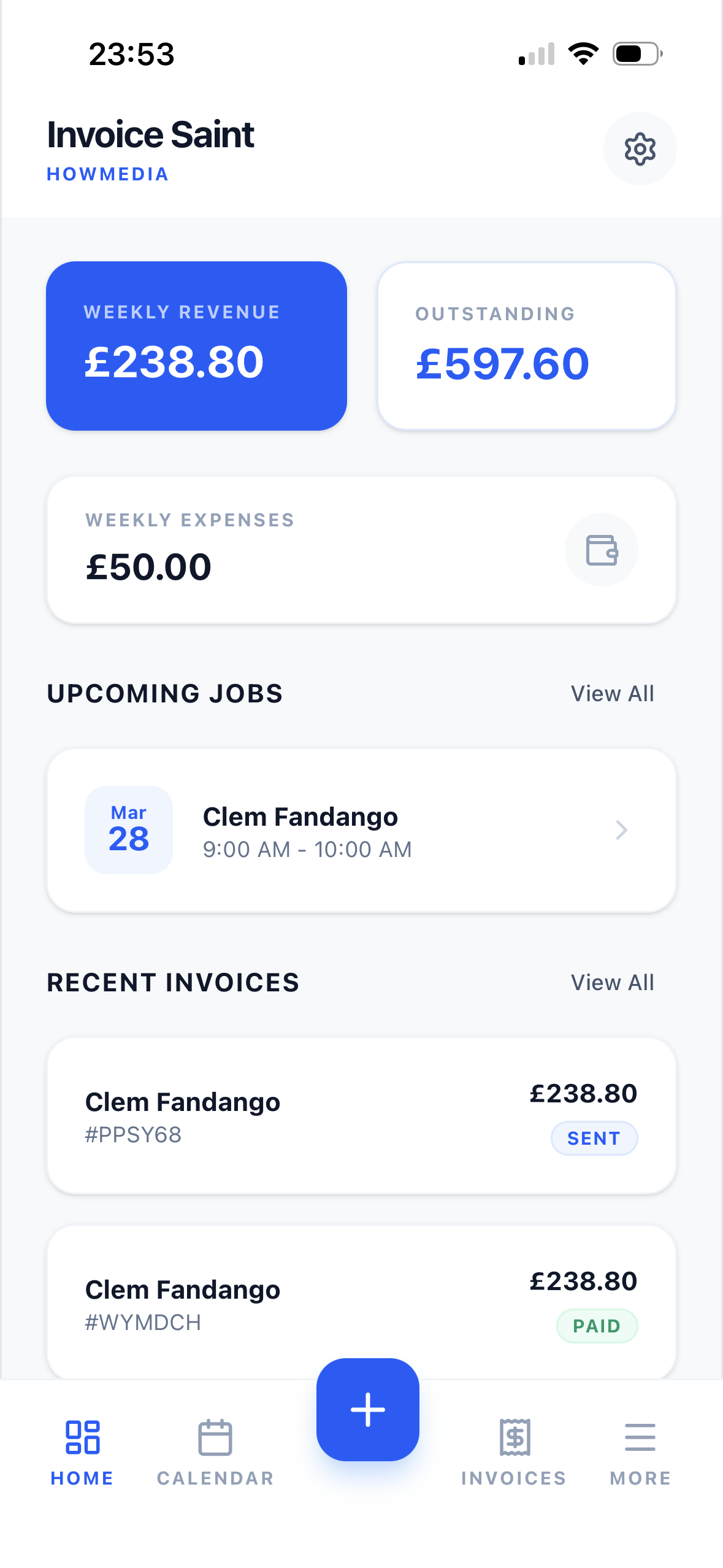
Keeping a clear picture of your outstanding invoices is critical. Invoice Saint's dashboard gives you an at-a-glance view of:
- Paid invoices — money in the bank
- Pending invoices — awaiting payment
- Overdue invoices — need following up
When you can see everything clearly, nothing slips through the cracks.
Getting Started Today
Professional invoicing doesn't have to be complicated. Download Invoice Saint, add your business details, create your first invoice in under two minutes, and send it directly from your phone. Your clients receive a clean, professional PDF — and you get notified the moment they pay.
Simple, fast, and built for the way modern businesses work.
Ready to streamline your invoicing?
Join thousands of freelancers who trust Invoice Saint to manage their billing.
Download Invoice Saint